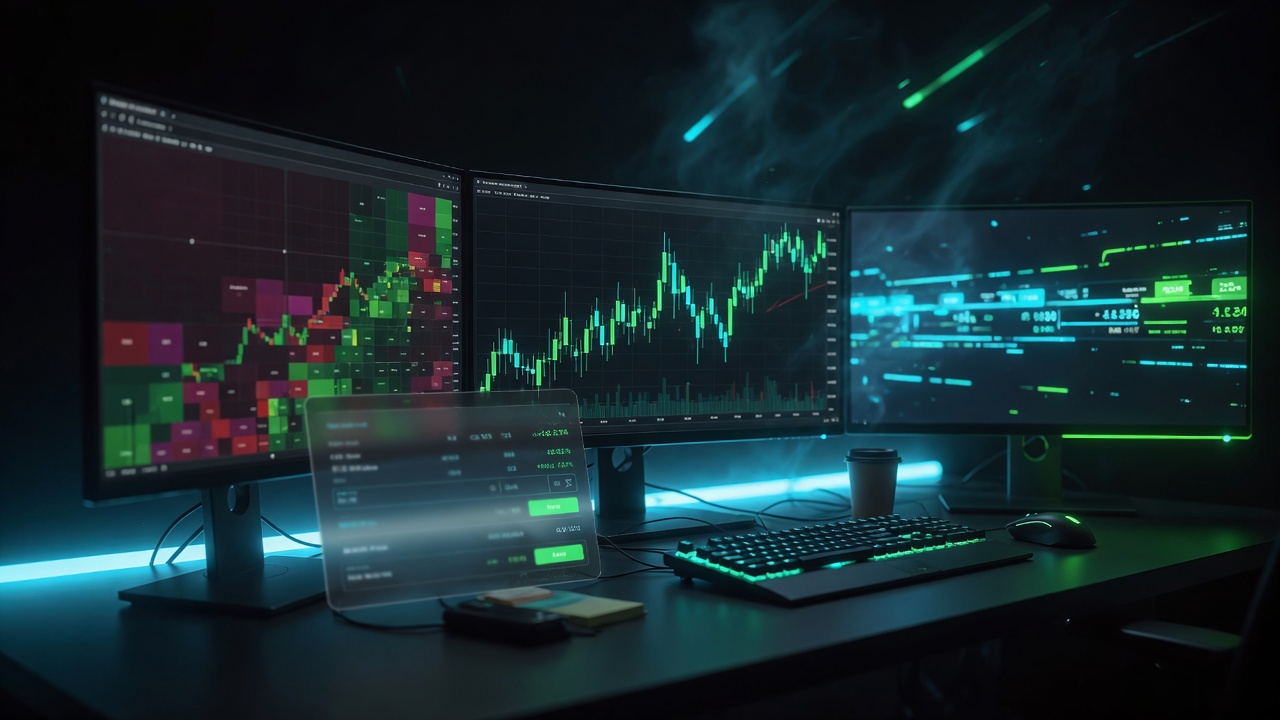
DennTech Scanner — Your Desk. Your Keys. One Payment.
Three things already on the desk:
- UOA — unusual options activity on the desk
- Ticket for contracts — option buy/sell with a confirm before send
- 5-minute confirmation — levels to watch when buying options contracts
Still a Windows stock scanner. Not a bot. It does not pick the contract.
Free live stream is watch-only. The $149 pay-once license is the full Windows desktop — BYO Alpaca/Schwab, Click Ticket, options buy/sell, isolated session tapes.
$149 · pay once · keep the software
Free vs paid
Watch free. Own the desk.
DennTech Scanner is a Windows trading desk you own — bring your own broker and data APIs, run scanners and tickets locally, pay once. Live orders this build = Alpaca + Schwab; Settings can also store Finnhub, Grok/xAI, IBKR, Tradier, Tastytrade, E*TRADE, and TradeStation.
Free live stream
Watch-only broadcast
- Watch-only broadcast of the desk UI
- No customer order entry
- No customer API keys
- You see the owner’s (or host’s) feed
Paid desktop
$149 once
- Full interactive Arcane Stream Desk on your PC
- Docked stock Click Ticket + UOA option buy/sell
- BYO APIs (Alpaca, Schwab, Finnhub, Grok, + more); keys stay on your machine
- Your sessions, your watchlist, your tickets
Installer + portable master zip. Passworded one-time archive / token after PayPal.
Buy $149 pay-onceWhat’s on the desk
Overview grid
Jump into each panel. Claims match the shipping inventory — not Warrior or Pharma as Arcane defaults.
Panel deep-dives
What each card actually does
Peak Primary tape
What it shows: Top of the “hot list” tape — default scanner tos_top_gainers, with session maps into session_volume_up / afterhours_volume_up when the clock session changes.
When traders use it: Scanning for names already moving with the session; building a shortlist before drilling into news, UOA, or a ticket.
Sessions (CT): Premarket ≈ 3:00–8:30 · Intraday ≈ 8:30–3:00 · After hours ≈ 3:00–7:00. Isolated session tapes refresh on a fast desk cycle.
Legends Secondary tape
What it shows: Secondary / gap-oriented tape — default unfilled_gap; premarket can map to session_volume_up, after hours to afterhours_volume_up.
When traders use it: Hunting gap continuity or unfilled gap context alongside Peak — not as a replacement for it.
Sessions: Same clock as Peak; useful when the open or AH tape needs a second lens.
Embers ORB / range
What it shows: Opening-range / rising-volume style tape. Default hod_rising_volume; session map can use tos_orb with ORB minutes 5 / 10 / 15.
When traders use it: First hour focus — names pushing out of a defined opening range or showing HOD + rising volume behavior.
Sessions: ORB dropdown is explicit (5, 10, 15). Pair with Peak during the open.
Squeeze & Halts Momentum
What it shows: High-of-day / momentum card stream (tos_high_of_day) plus a Halts panel fed by NASDAQ halt RSS, including countdown-style halt cards.
When traders use it: Tracking extension and halt risk — when a name is ripping or just got restricted.
Sessions: Most relevant regular hours and active halt windows; halt cards matter whenever NASDAQ posts them.
Unusual Options Activity UOA
UOA
What it shows: Unusual options activity on the desk. From this panel you can open a ticket for contracts.
When you use it: You see the unusual print, then you decide. The app does not pick the strike.
Breaking News Grimoire
What it shows: Catalyst-style headlines via Grimoire / news tracker worker.
When traders use it: Pairing a hot tape name with “why is this moving?” context before sizing or skipping.
Notes: Event-driven; denser around open and major headlines. Watchlist (max 80 symbols) can drive related news/voice polling.
Market News Scroll
What it shows: Scrolling market news panel (NewsScrollPanel).
When traders use it: Ambient headline awareness without leaving the desk grid.
Notes: Continuous scroll — not a substitute for Breaking News focus cards.
Voice Alerts Edicts
What it shows: Spoken “edicts” from the Voice panel/service.
When traders use it: Eyes-on-tape, ears-on-alerts — especially when multitasking monitors.
Windows note: Desktop ship uses SAPI fallback (clear system voice). Piper neural TTS is VPS-oriented.
Ticker Chrome
What it shows: Hero tape strip for the desk chrome.
When traders use it: Persistent symbol/price context while panels below do the heavy scanning.
Notes: Always-on chrome for the session you’re in.
Ticket Click Ticket
What it shows: Docked BrokerTicketPanel — BUY/SELL, short, positions, today’s trades, confirm dialog, market/limit.
When traders use it: Turning a tape click into an intentional stock order without alt-tabbing away from the desk.
Live wiring: Alpaca + Schwab for this build. See execution section below.
Honest limits: Schwab float/short % may show blank; Grok-assisted scans can take tens of seconds when enabled; social sentiment may be headline-keyword based on some paths; classic TOS chart patterns / Sizzle Index are not implemented. Scanners include names such as top gainers/losers, momentum breakout, HOD, unusual volume, ORB, unfilled gap, short squeeze, and more — Warrior tab scanners are skipped in the registry; Pharma is classic-window legacy, not an Arcane default.
Isolated sessions
Trade the clock you’re in
Central Time session windows on the desk. Isolated session tapes so the grid follows the session you’re actually trading — not one forever scan. Session tapes refresh ~4 Hz.
Premarket
≈ 3:00–8:30 CT
Gap / volume-up lenses before the open — desk maps tapes to the session.
Intraday / RTH
≈ 8:30–3:00 CT
Regular hours hot list, ORB 5/10/15, HOD + halt cards while the floor is live.
After hours
≈ 3:00–7:00 CT
AH volume-up and post-close tape — still isolated from the RTH scan set.
Isolated tapes
Session-bound, not forever-scan
Each session gets its own tape mapping so Premarket, RTH, and AH don’t bleed into one sticky list. Main session tapes refresh about 4 times per second; UOA / news run on a slower desk cycle.
Honest seat model
One desk + optional companion
This is one desk process plus an optional external Click Ticket companion — not multi-seat licenses. Stock Click Ticket and options confirms use your brokers; stream viewers cannot enter orders.
Order execution
Click Ticket + options — your brokers
Stock tickets on your desk — your broker, your click
- Docked Click Ticket for stock BUY / SELL, including short, with a confirm step before send
- Market and limit style entry paths
- Positions and today’s trades tables on the desk
- Optional external Click Ticket addon ships beside the main exe — companion tool, not a second purchase
Ticket for contracts
From Unusual Options Activity, a contract ticket opens a confirm dialog before anything is sent. A 5-minute confirmation gives levels to watch when buying options contracts. Levels to watch are not a buy signal and not a result. Your broker, your keys, your click. Keys stay on the PC.
Bring-your-own APIs the desk exposes
Live orders this build = Alpaca + Schwab. Others may be saved in Settings for data or future use but are not live order routers yet — we still list every key the app can store.
Alpaca
Live ordersapi_key + api_secret (SIP/IEX) — market data, UOA path, stock orders live.
Schwab
Live ordersproxy_api_key or OAuth client_id/secret + token — quotes, Click Ticket, option orders live, UOA Schwab adapter.
Finnhub
Dataapi_key — news / data source.
Grok / xAI
Dataapi_key + models — AI scan / social sentiment.
IBKR
SettingsSettings can store keys — not live-wired for orders this build.
Tradier
SettingsSettings can store keys — not live-wired for orders.
Tastytrade
SettingsSettings can store keys — not live-wired for orders.
E*TRADE
SettingsSettings can store keys — not live-wired for orders.
TradeStation
SettingsSettings can store keys — not live-wired for orders.
Honest line: live orders this build = Alpaca + Schwab; others may be saved in Settings for data/future but are not live order routers yet. BYO only — owner keys stripped from the package.
Not financial advice. You are solely responsible for orders sent with your credentials.
How it ships
Installer, portable zip, placeholders only
Windows installer (DennTech_Scanner_Setup.exe) and/or portable master zip. Config ships with placeholders only (YOUR_*). You paste your keys locally.
After PayPal confirms: one-time passworded .7z link (24h, single use). Open with 7-Zip using the emailed password. Version string: 2.1-dash.
Not financial advice
DennTech Scanner is trading software from Denntech, a software company — not a broker, investment adviser, or money manager. It does not provide financial, investment, or trading advice. You connect your own broker APIs; you place your own orders; you keep custody of your funds. Any free live stream or screenshots show market activity for demonstration only and are not a promise of future results. No returns are guaranteed. Use at your own risk. By purchasing or downloading you accept the product liability waiver.
Final CTA
Own the desk for $149
Pay-once desktop. Free stream stays watch-only. Read the waiver before you buy.
By purchasing you agree to the liability waiver and site terms. Digital delivery — no refunds for trading outcomes.